
Programming a DC servo driver is a crucial skill for those involved in robotics, automation, and various precision control applications. As a DC Servo Driver supplier, I've witnessed firsthand the transformative impact these drivers can have on a wide range of projects. In this blog, I'll guide you through the process of programming a DC servo driver, from understanding the basics to implementing advanced control strategies.
Understanding the Basics of DC Servo Drivers
Before diving into programming, it's essential to have a solid understanding of what a DC servo driver is and how it works. A DC servo driver is an electronic device that controls the speed, torque, and position of a DC servo motor. It takes input signals from a controller, such as a microcontroller or a PLC, and converts them into appropriate electrical signals to drive the motor.
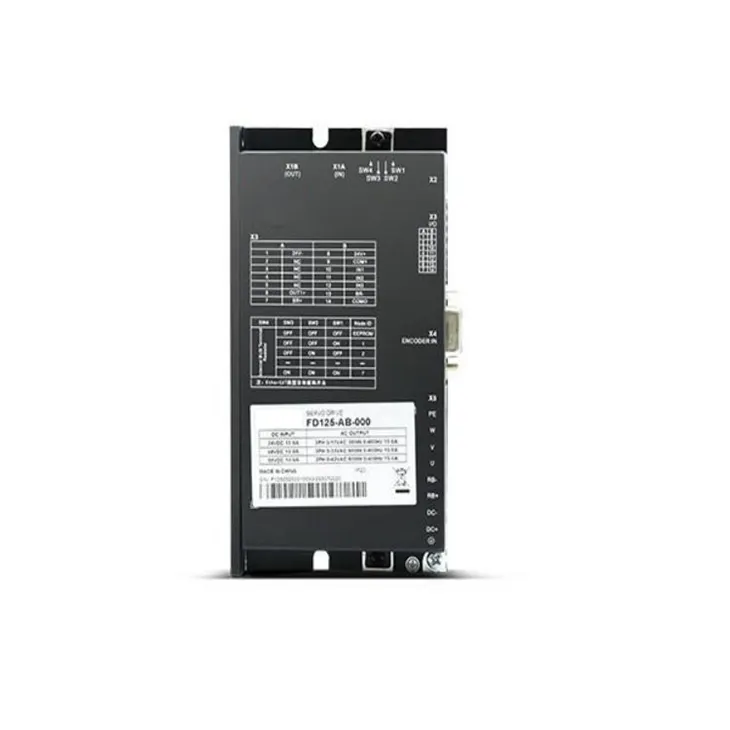
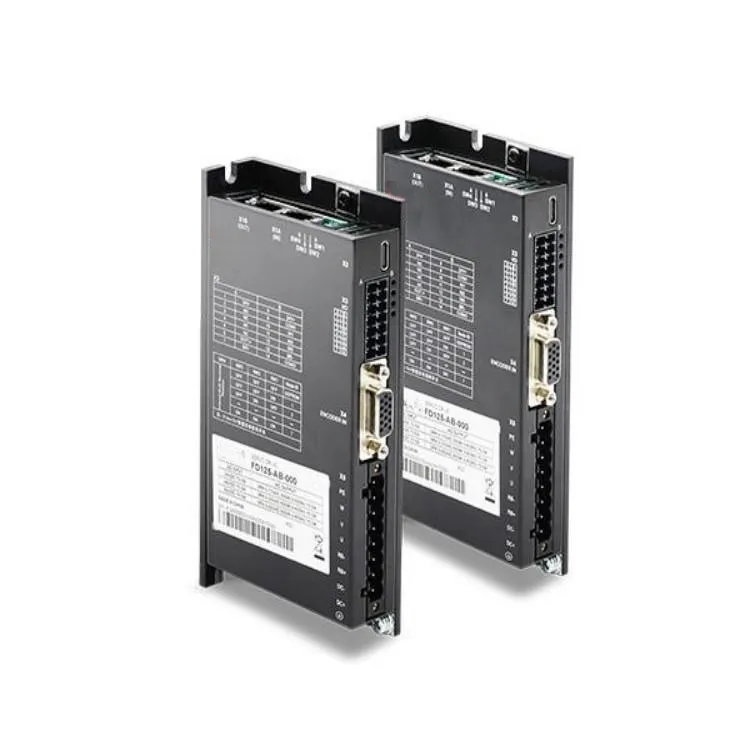
DC servo drivers typically consist of several key components, including a power stage, a control circuit, and feedback sensors. The power stage is responsible for providing the necessary electrical power to the motor, while the control circuit processes the input signals and generates the appropriate control signals for the power stage. Feedback sensors, such as encoders or resolvers, provide information about the motor's position, speed, and torque, allowing the driver to adjust its output accordingly.
Selecting the Right DC Servo Driver
The first step in programming a DC servo driver is selecting the right driver for your application. There are several factors to consider when choosing a DC servo driver, including the motor's power requirements, the desired control performance, and the available input and output interfaces.
When selecting a DC servo driver, it's important to choose a driver that is compatible with your motor. This includes ensuring that the driver can provide the necessary voltage and current to the motor, as well as supporting the motor's feedback sensors. Additionally, you'll want to consider the driver's control performance, such as its speed and torque control accuracy, as well as its response time.
Another important factor to consider when selecting a DC servo driver is the available input and output interfaces. Most DC servo drivers support a variety of input and output interfaces, such as analog inputs, digital inputs, and communication interfaces like RS-232, RS-485, or CANopen. Choose a driver that has the interfaces you need to integrate it with your controller and other system components.
Connecting the DC Servo Driver
Once you've selected the right DC servo driver for your application, the next step is to connect it to your motor and controller. The exact connection process will depend on the specific driver and motor you're using, as well as the available input and output interfaces.
In general, you'll need to connect the driver's power input terminals to a suitable power supply, such as a DC power supply or a battery. Make sure to follow the driver's specifications and safety guidelines when connecting the power supply to avoid damage to the driver or the motor.
Next, you'll need to connect the driver's output terminals to the motor. This typically involves connecting the driver's positive and negative output terminals to the motor's positive and negative terminals, respectively. Make sure to double-check the wiring to ensure that the motor is connected correctly and that there are no short circuits.
Finally, you'll need to connect the driver's input and output interfaces to your controller and other system components. This may involve connecting analog or digital input signals to the driver's input terminals, as well as connecting communication cables to the driver's communication interfaces. Make sure to follow the driver's documentation and wiring diagrams when making these connections to ensure proper operation.
Programming the DC Servo Driver
Once you've connected the DC servo driver to your motor and controller, the next step is to program the driver to achieve the desired control performance. The exact programming process will depend on the specific driver and controller you're using, as well as the available programming tools and interfaces.
Most DC servo drivers support a variety of programming methods, including using a graphical user interface (GUI), a programming language, or a combination of both. Some drivers may also support remote programming and monitoring via a network connection or a mobile device.
When programming a DC servo driver, it's important to understand the driver's control modes and parameters. Most drivers support several control modes, such as speed control, torque control, and position control. Each control mode has its own set of parameters that can be adjusted to achieve the desired control performance.
For example, in speed control mode, you can adjust parameters such as the desired speed, the speed control gain, and the acceleration and deceleration rates. In torque control mode, you can adjust parameters such as the desired torque, the torque control gain, and the current limit. In position control mode, you can adjust parameters such as the desired position, the position control gain, and the maximum velocity.
To program the DC servo driver, you'll typically need to use a programming tool or interface provided by the driver manufacturer. This may involve using a GUI-based programming tool to configure the driver's parameters and settings, or using a programming language such as C, C++, or Python to write custom control algorithms.
When programming the DC servo driver, it's important to test and validate the programming code to ensure that it works correctly and achieves the desired control performance. This may involve running test programs on the driver and motor, monitoring the driver's output signals and feedback sensors, and making adjustments to the programming code as needed.
Implementing Advanced Control Strategies
In addition to basic speed, torque, and position control, many DC servo drivers support advanced control strategies, such as PID control, fuzzy logic control, and neural network control. These advanced control strategies can be used to improve the driver's control performance, especially in applications where high precision and accuracy are required.
PID control is one of the most commonly used advanced control strategies in DC servo drivers. PID control stands for proportional, integral, and derivative control, and it works by adjusting the driver's output based on the error between the desired and actual values of the controlled variable, such as speed, torque, or position. The proportional term adjusts the output based on the current error, the integral term adjusts the output based on the accumulated error over time, and the derivative term adjusts the output based on the rate of change of the error.
Fuzzy logic control is another advanced control strategy that can be used in DC servo drivers. Fuzzy logic control works by using fuzzy sets and rules to represent and process uncertain or imprecise information. This can be useful in applications where the system dynamics are complex or difficult to model, such as in robotics and automation.
Neural network control is a more advanced control strategy that uses artificial neural networks to learn and adapt to the system dynamics. Neural network control can be used to achieve high-performance control in complex and nonlinear systems, such as in aerospace and automotive applications.
Troubleshooting and Maintenance
Even with proper programming and implementation, DC servo drivers may encounter problems or malfunctions from time to time. When this happens, it's important to have a troubleshooting and maintenance plan in place to quickly identify and resolve the issues.
Some common problems that may occur with DC servo drivers include overheating, overcurrent, overvoltage, and communication errors. To troubleshoot these problems, you'll typically need to use diagnostic tools and techniques provided by the driver manufacturer. This may involve using a multimeter to measure the driver's voltage and current, using an oscilloscope to analyze the driver's output signals, or using a diagnostic software tool to monitor the driver's status and parameters.
In addition to troubleshooting, it's also important to perform regular maintenance on your DC servo driver to ensure its long-term reliability and performance. This may involve cleaning the driver's components, checking the wiring connections, and replacing any worn or damaged parts. Make sure to follow the driver's maintenance schedule and guidelines provided by the manufacturer to ensure proper operation.
Conclusion
Programming a DC servo driver is a complex but rewarding process that requires a solid understanding of the driver's operation, control modes, and parameters. By following the steps outlined in this blog, you can successfully program a DC servo driver to achieve the desired control performance in your application.
As a DC Servo Driver supplier, we offer a wide range of high-quality DC servo drivers, including Frameless Torque Motor, Mini DC Servo Driver, and Low-voltage Servo Motor. Our drivers are designed to provide reliable and precise control performance in a variety of applications, and we offer comprehensive technical support and programming assistance to help you get the most out of your drivers.
If you're interested in learning more about our DC servo drivers or have any questions about programming or using them, please don't hesitate to contact us. We'd be happy to discuss your specific requirements and help you find the right solution for your application.
References
- "DC Servo Motor Control: Principles and Applications" by John J. Catania
- "Motion Control Handbook" by Peter C. Senning
- Manufacturer's documentation and technical manuals for specific DC servo drivers